Track Your DataGrip SQL Time with Precision
CodeClocker integrates seamlessly with DataGrip to automatically track your database development time. Get detailed insights into your SQL queries, schema design, and database administration tasks.
Get Plugin for Free
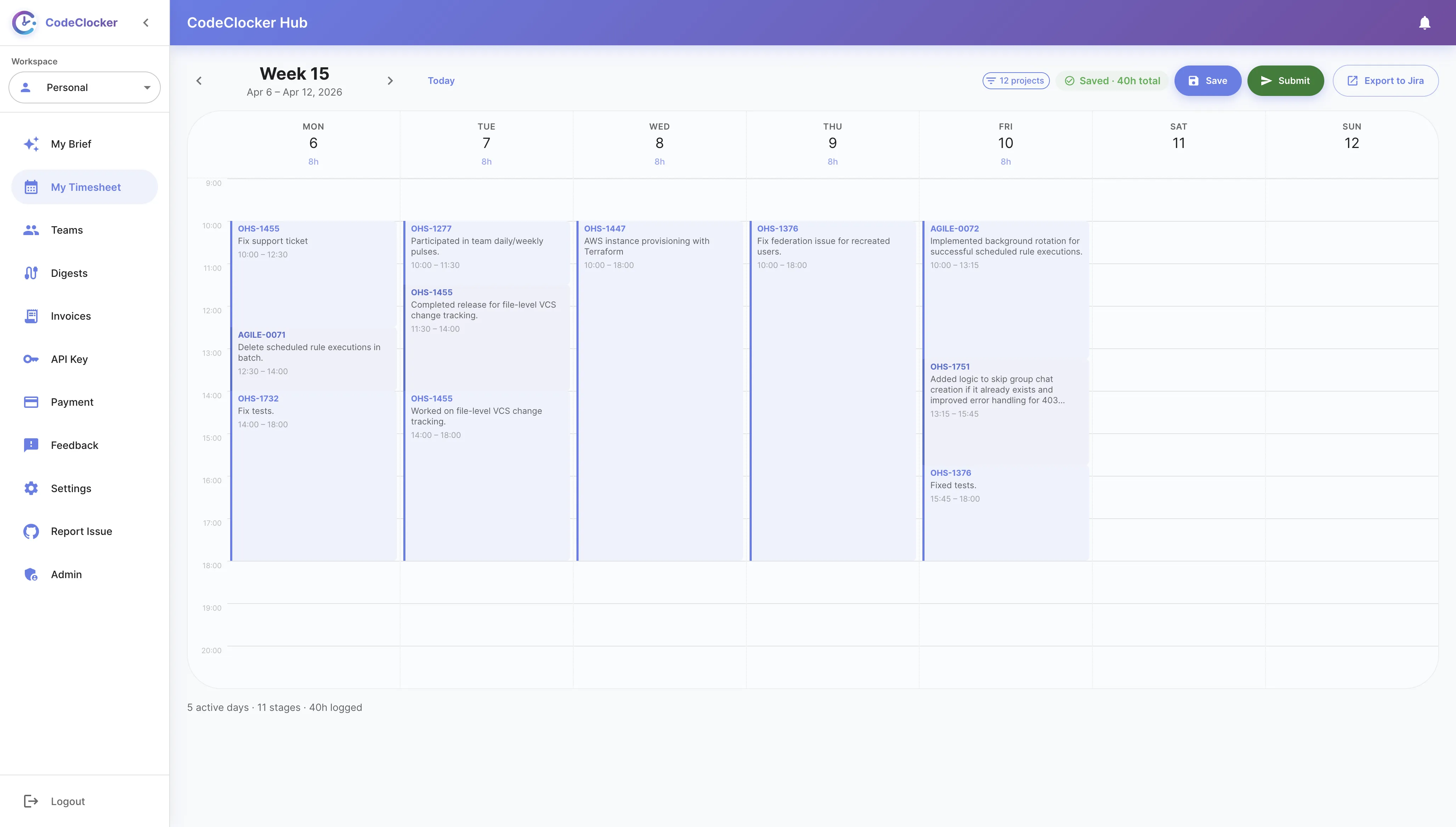
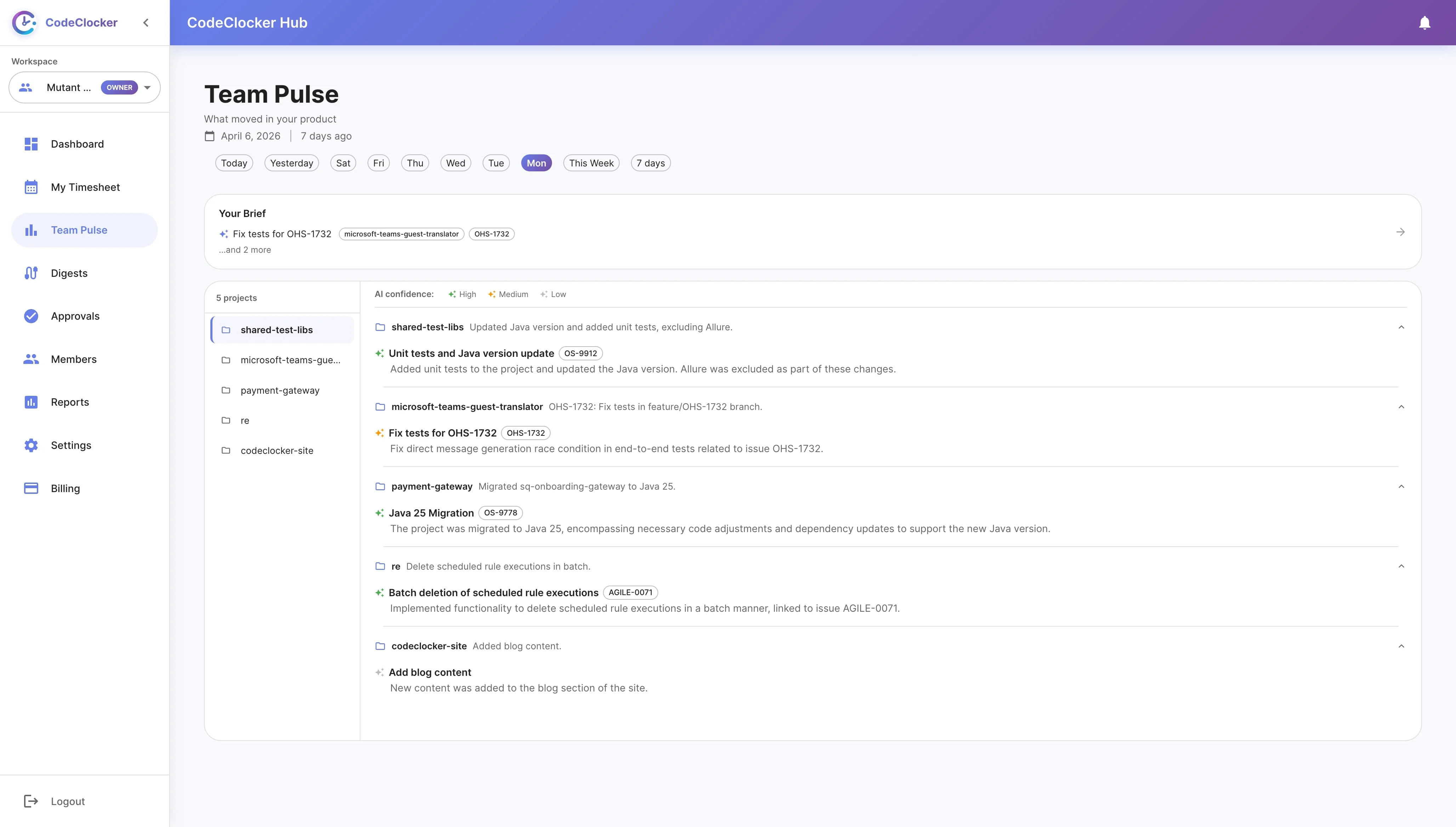
Get a comprehensive view of your database development activity directly in DataGrip. Track daily and weekly progress with visual indicators, monitor time spent per database connection, and see your query history at a glance.
Set personalized time goals for your database work. Whether you're a DBA or a backend developer, track your progress and build consistent working habits.
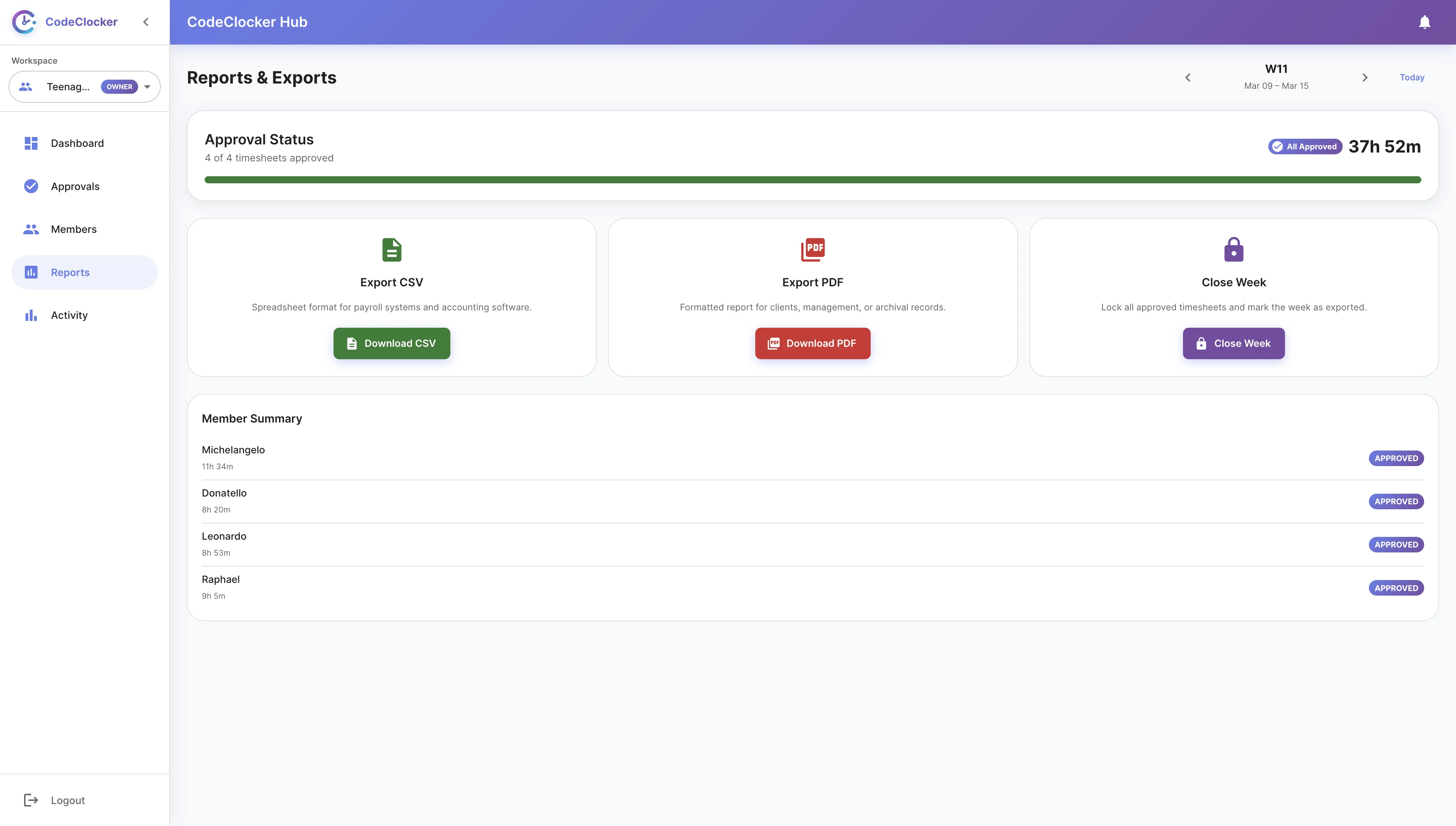
Freelance database consultant? Export your SQL development activity to CSV format for easy invoicing. Generate detailed reports with database names, hours worked, and task references.
Open DataGrip, go to Settings → Plugins → Marketplace, search for "CodeClocker" and click Install.
The plugin automatically tracks your database development time as you write queries and manage schemas.
Check your daily and weekly progress directly in DataGrip through the status bar widget.
Optionally sync with CodeClocker Hub for web-based charts and historical analytics.
Install CodeClocker in DataGrip today and start understanding your productivity
Get Plugin for Free