Plugin Features
Everything you need right inside your IDE — no account required
Activity Dashboard
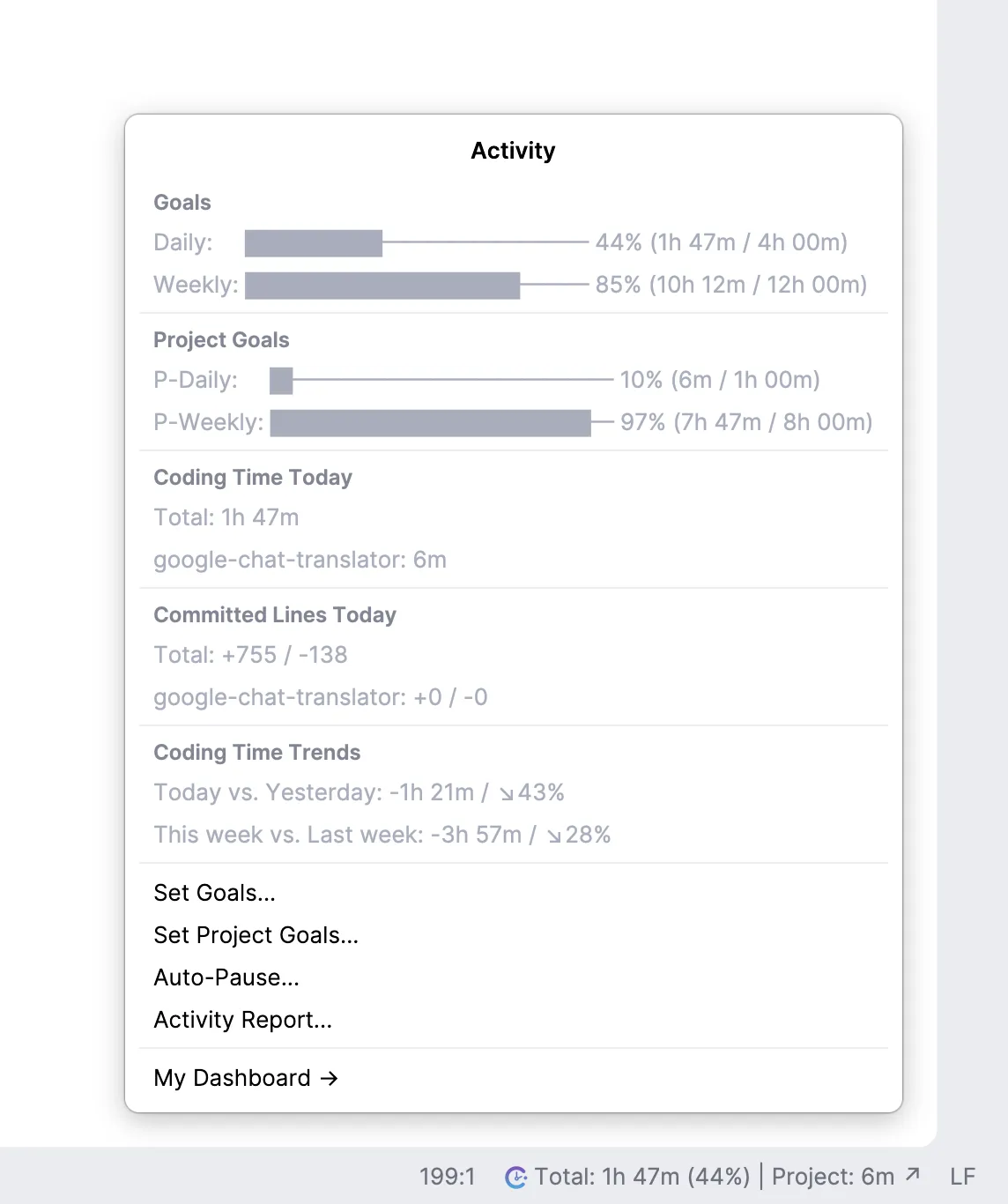
Get a comprehensive view of your coding activity directly in your IDE. Track daily and weekly progress with visual indicators, monitor time spent per project, and see your VCS contributions at a glance.
- Real-time coding time tracking
- Per-project time breakdown
- VCS lines added/removed stats
- Daily and weekly trend comparisons
Daily & Weekly Goals
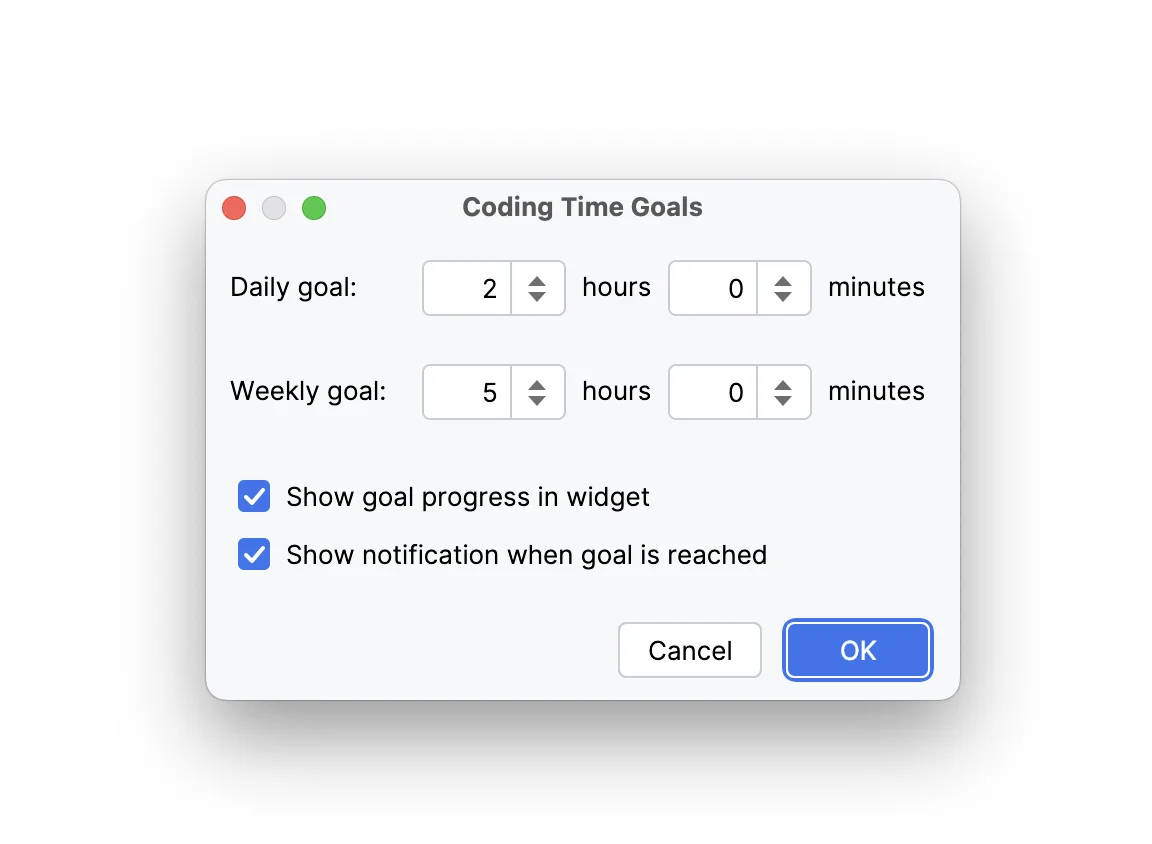
Set personalized coding time goals to stay motivated and build consistent habits. Configure daily and weekly targets globally or per project, track your progress in the status bar, and celebrate when you hit your milestones.
- Customizable daily and weekly targets
- Per-project goals for focused tracking
- Progress tracking in status bar widget
- Visual progress indicators
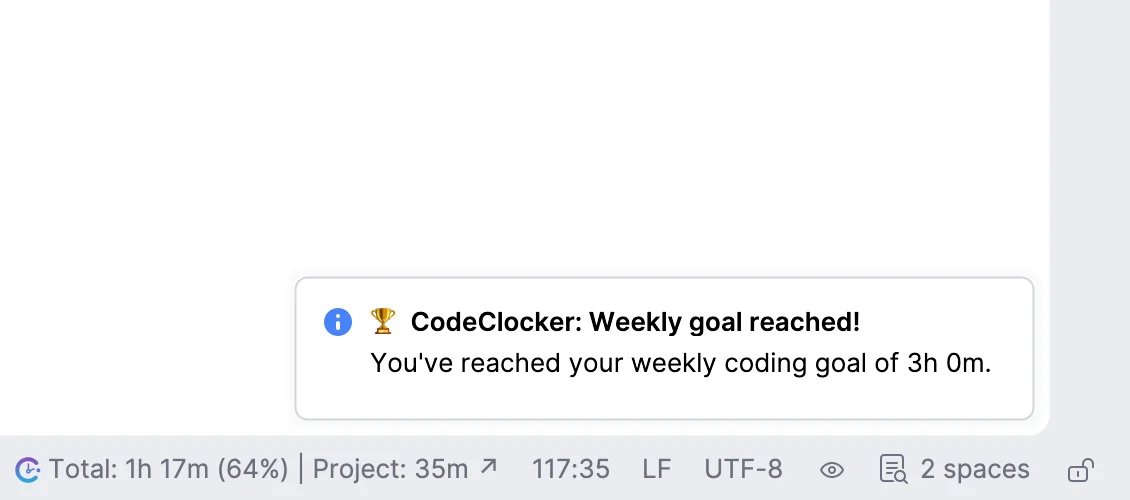
Goal Achievement Notifications
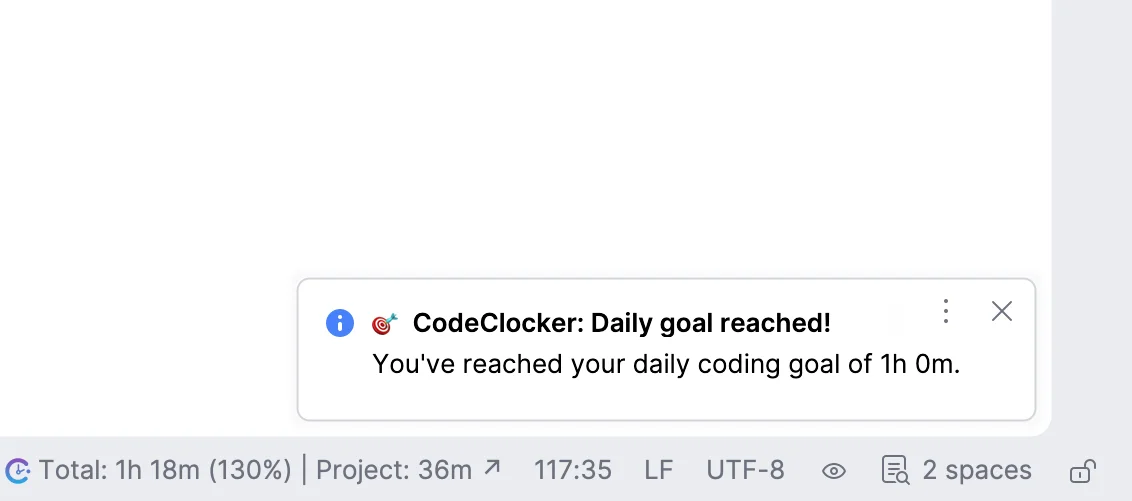
Receive instant notifications when you reach your coding goals. Get notified separately for daily and weekly achievements, helping you stay motivated and aware of your progress throughout the week.
- Daily goal completion alerts
- Weekly goal celebration notifications
- Non-intrusive IDE notifications
- Optional notification settings
Activity Report Tool Window
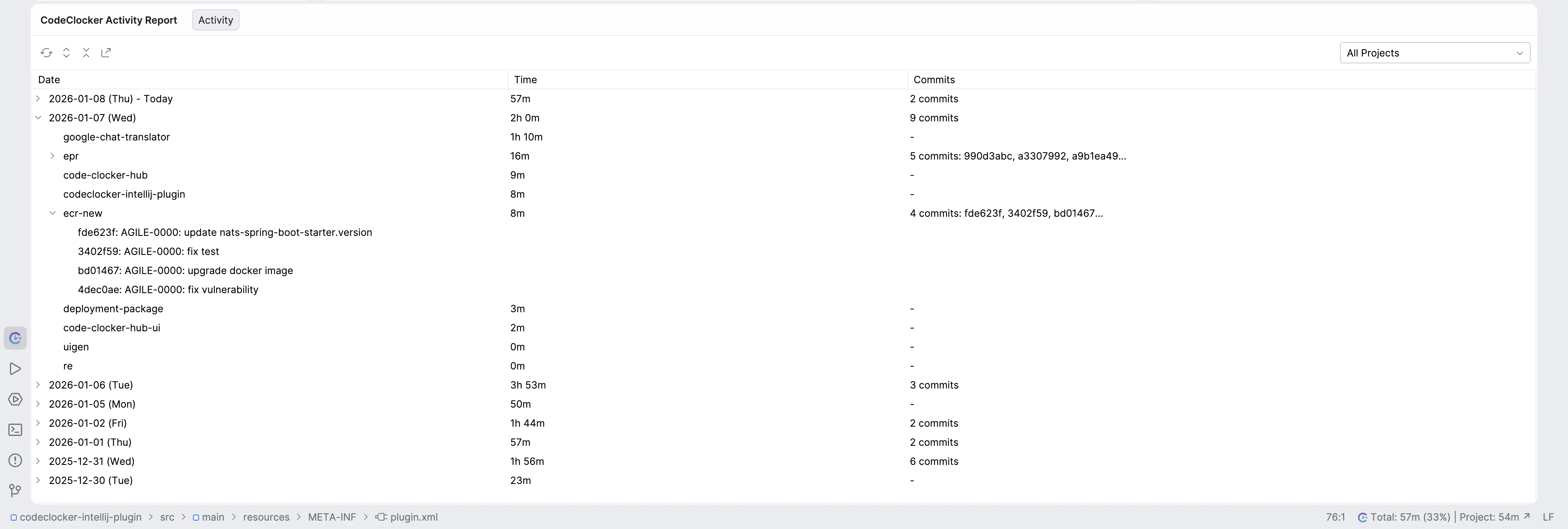
Access a detailed activity report directly in your IDE. View your coding history in a tree-table format with daily summaries, hourly breakdowns, and commit details. Filter by project or see all activity across your entire development workflow.
- Tree-table view with expandable daily summaries
- Hourly breakdown with branch information
- Commit history linked to coding sessions
- Filter by project or view all activity
- Share reports with your team lead or project manager
CSV Export & Timesheet Generation
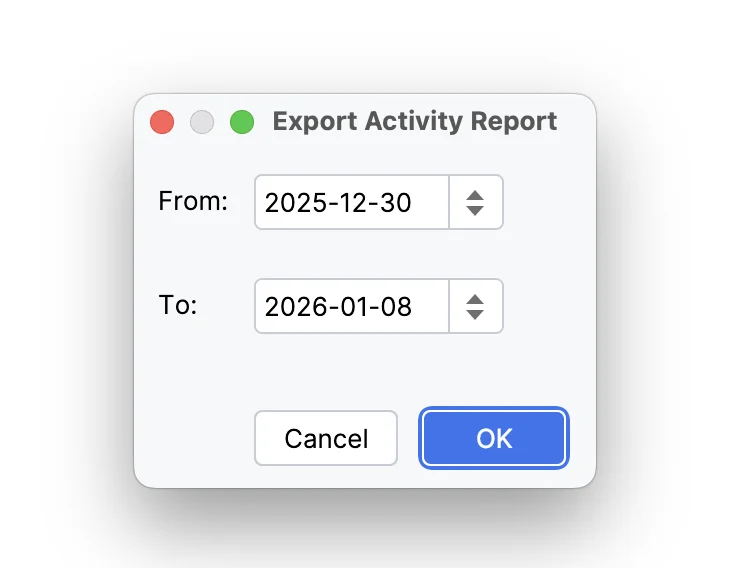
Export your coding activity to CSV or generate weekly timesheets for team approval. Select a date range and generate reports that include project names, branches, hours worked, and linked tickets.
- Custom date range selection
- Detailed breakdown by project and branch
- Auto-link branches and commits to timesheet lines
- Perfect for team invoicing and client reporting
- Include commit references for proof of work
Smart Auto-Pause
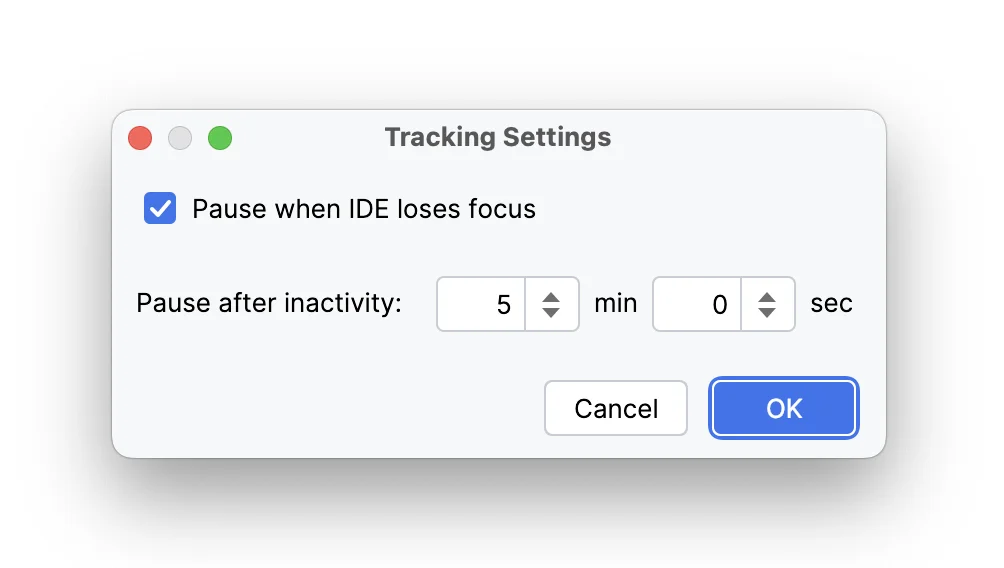
Configure intelligent auto-pause settings to ensure accurate time tracking. The plugin can automatically pause when the IDE loses focus or after a period of inactivity, preventing idle time from being recorded.
- Pause on IDE focus lost (optional)
- Customizable inactivity timeout
- Automatic resume when you return
- Accurate time tracking without manual intervention