KSeF E-Invoice

Polish E-Invoicing
for Developers

Export KSeF-Compliant XML Invoices from CodeClocker Hub

CodeClocker now supports exporting invoices in the KSeF (Krajowy System e-Faktur) XML format. Polish freelancers and businesses can generate compliant e-invoices directly from their tracked coding time — no separate invoicing software needed.

Try It on Hub
CodeClocker KSeF XML Export

What is KSeF?

  • Krajowy System e-Faktur: KSeF is Poland's national e-invoicing system operated by the Ministry of Finance. It standardizes invoice exchange between businesses using structured XML documents.
  • Mandatory for Polish Businesses: Polish businesses are required to issue structured e-invoices through the KSeF platform. CodeClocker generates XML files that conform to the official schema.
  • Structured XML Format: KSeF invoices follow the official schema published by CRD GUS (version 2023/06/29), ensuring your invoices meet all structural requirements.
  • NIP Tax ID Integration: The system validates Polish NIP tax identification numbers for both seller and buyer, catching formatting errors before export.
  • No Extra Software Needed: Instead of using separate invoicing tools, Polish developers can generate KSeF XML directly from CodeClocker Hub alongside their PDF invoices.
  • Built for Freelancers: If you're a Polish developer billing clients for coding work, CodeClocker bridges the gap between time tracking and tax-compliant invoicing.

KSeF Export Features

One-Click KSeF XML Export

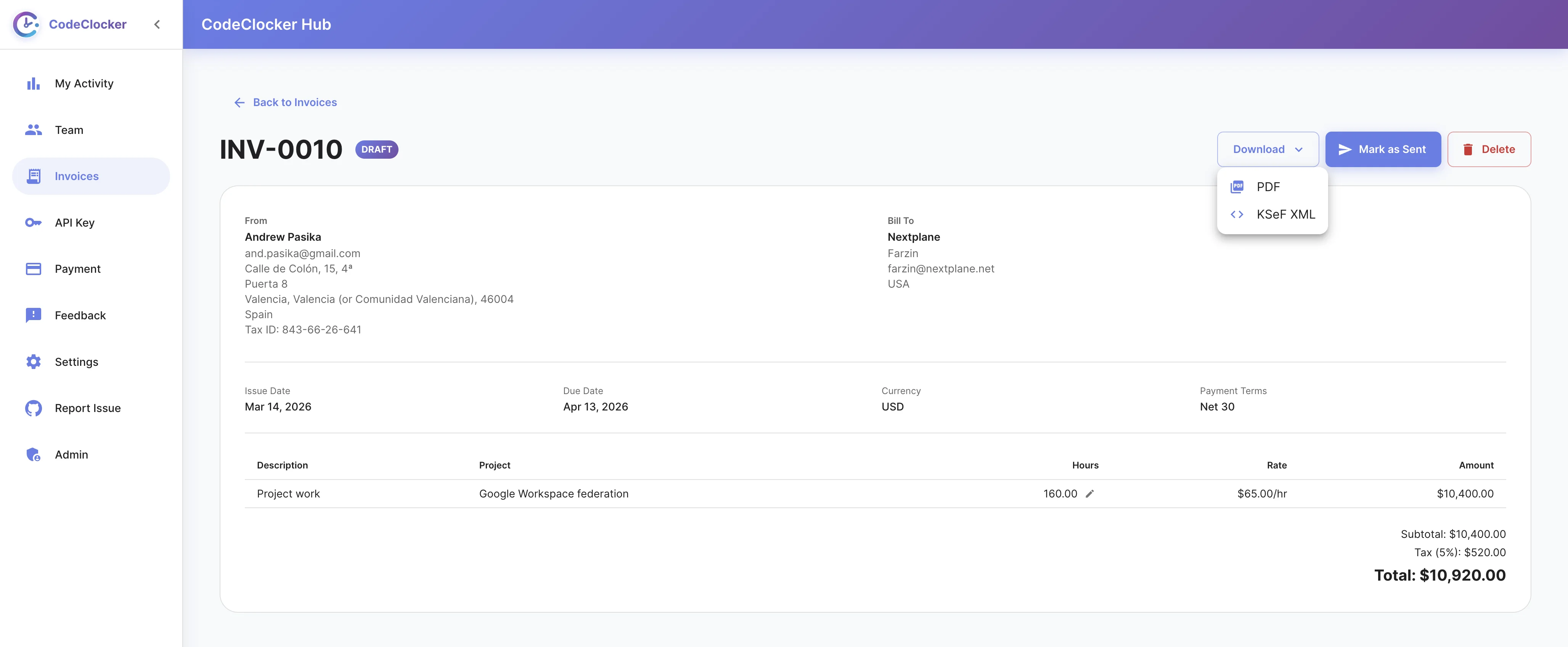
Export any invoice as a KSeF-compliant XML file with a single click. The Download dropdown on every invoice gives you the choice between PDF and KSeF XML formats.

  • Download as KSeF XML from any invoice
  • Conforms to official CRD GUS schema
  • Includes seller and buyer tax details
  • Proper line-item structure with quantities and amounts
KSeF XML Export Dropdown

Automatic Validation

Before exporting, CodeClocker validates your invoice data against KSeF requirements. Missing fields, invalid NIP numbers, or incomplete billing profiles are caught before you download.

  • NIP tax ID format validation
  • Required field checks for seller and buyer
  • Validate before export endpoint
  • Clear error messages for missing data
Invoice Validation

From Time Tracking to E-Invoice

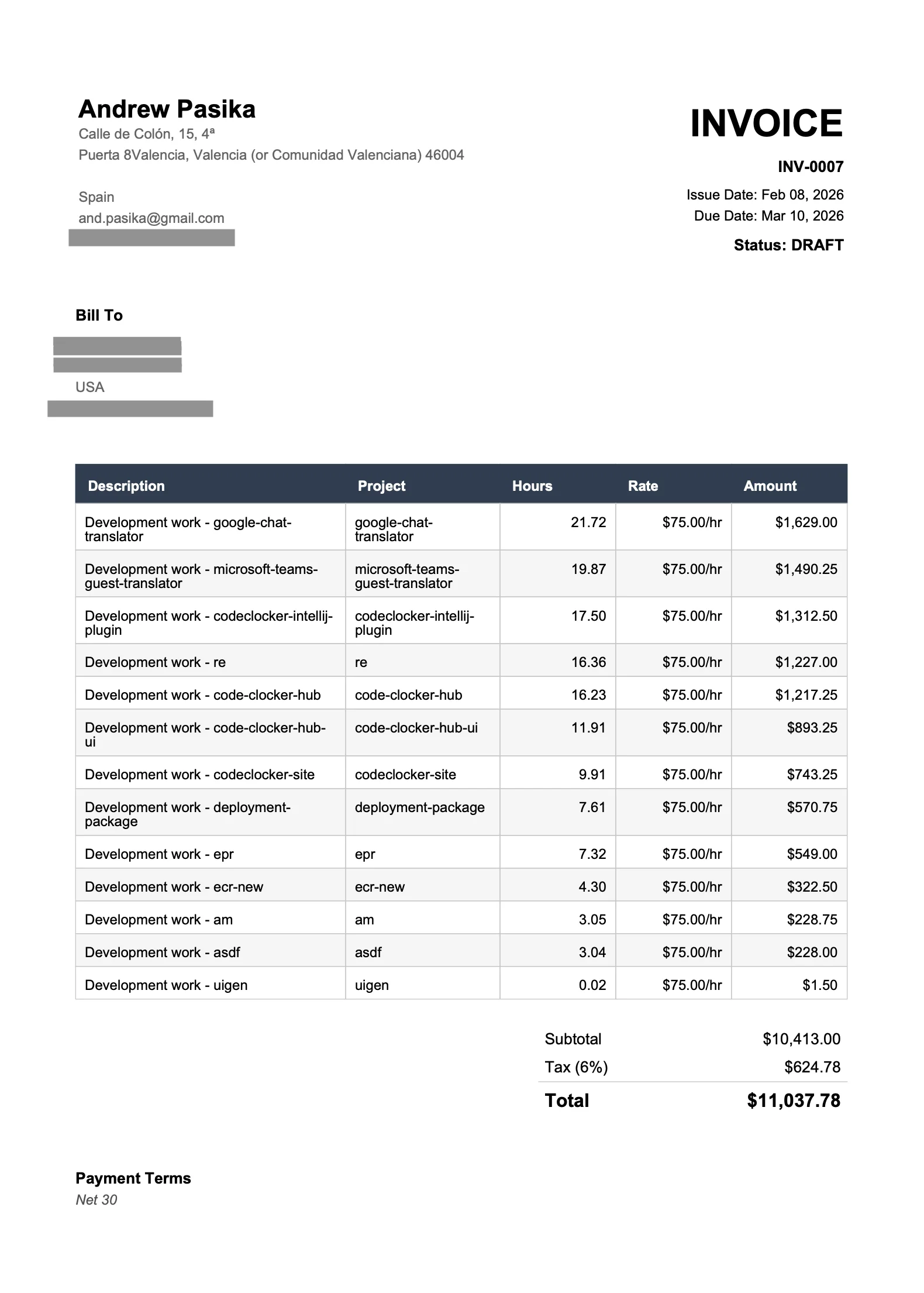
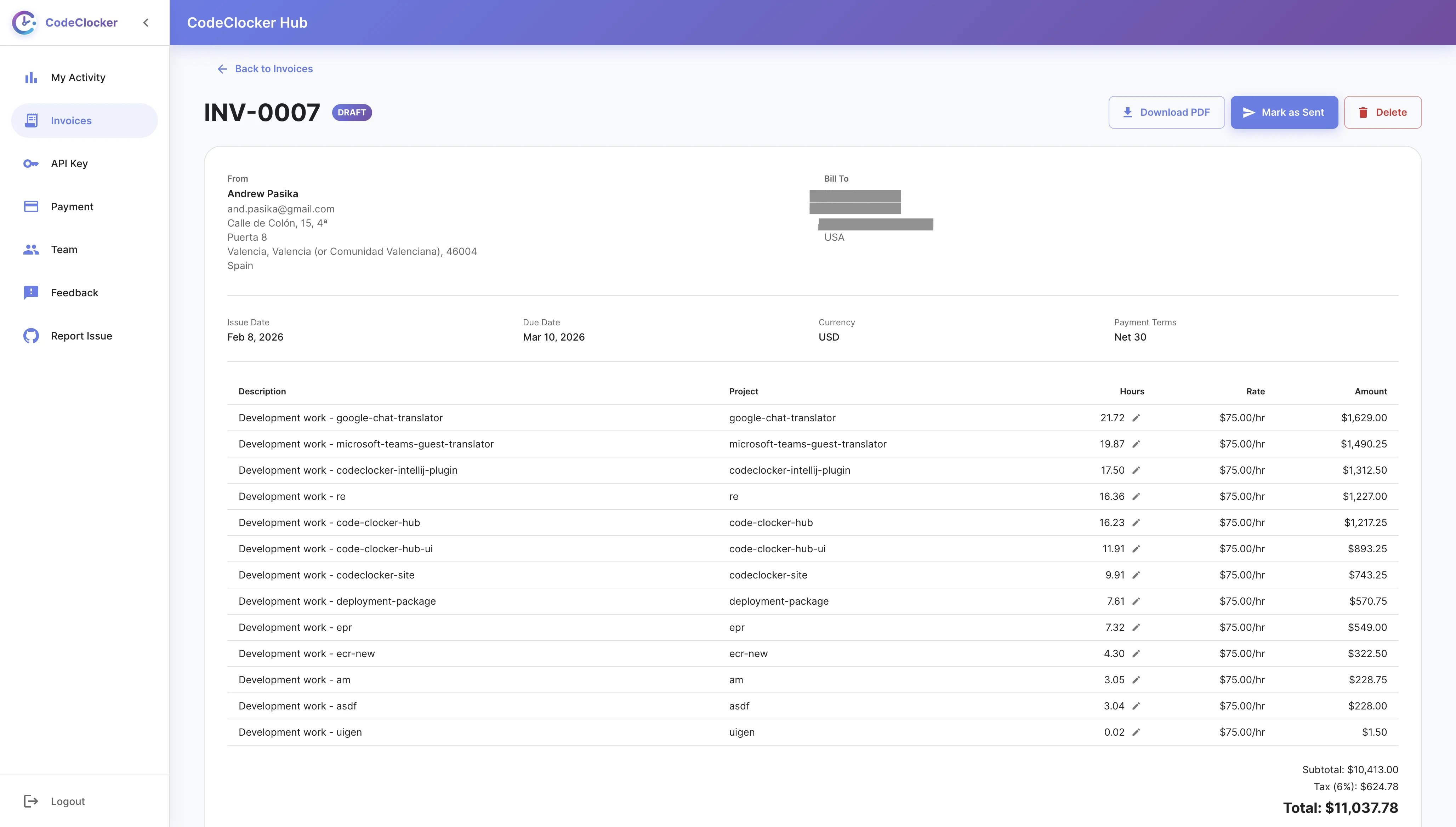
The full CodeClocker workflow: track your coding time in the IDE, generate an invoice from tracked hours, then export it as KSeF XML. Your billable hours flow directly into a tax-compliant document.

  • Generate invoice from tracked project time
  • Set hourly rates and select date ranges
  • Optionally attach commit log as proof of work
  • Export the same invoice as PDF or KSeF XML
Invoice Generated from Time Tracking

How to Export a KSeF Invoice

01

Create an Invoice

Generate an invoice from your tracked coding time or create one manually with custom line items.

02

Fill in Tax Details

Set up your billing profile with your company name, address, and NIP tax ID. Add your client's details too.

03

Click Download

Open the Download dropdown on the invoice detail page and select "KSeF XML" to export.

04

Submit to KSeF

Upload the downloaded XML file to the KSeF platform to complete your e-invoice submission.

Ready to Generate KSeF E-Invoices?

Log in to CodeClocker Hub and start exporting KSeF-compliant invoices today

Go to CodeClocker Hub