RubyMine for RubyMine

Time Tracking
for Ruby & Rails Developers

Track Your RubyMine Coding Time with Precision

CodeClocker integrates seamlessly with RubyMine to automatically track your Ruby development time. Get detailed insights into your Ruby on Rails, Sinatra, and gem development projects.

Get Plugin for Free
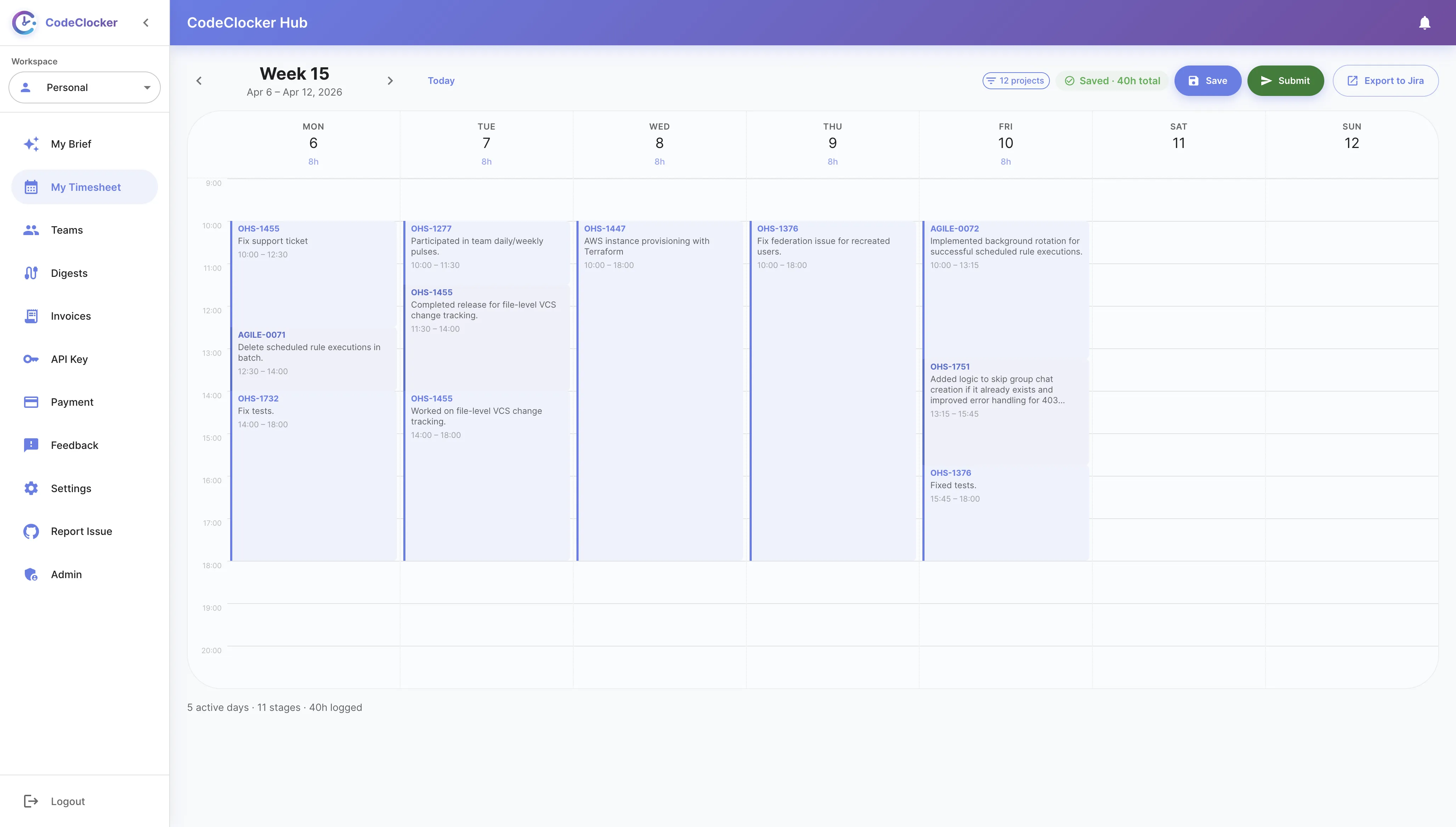
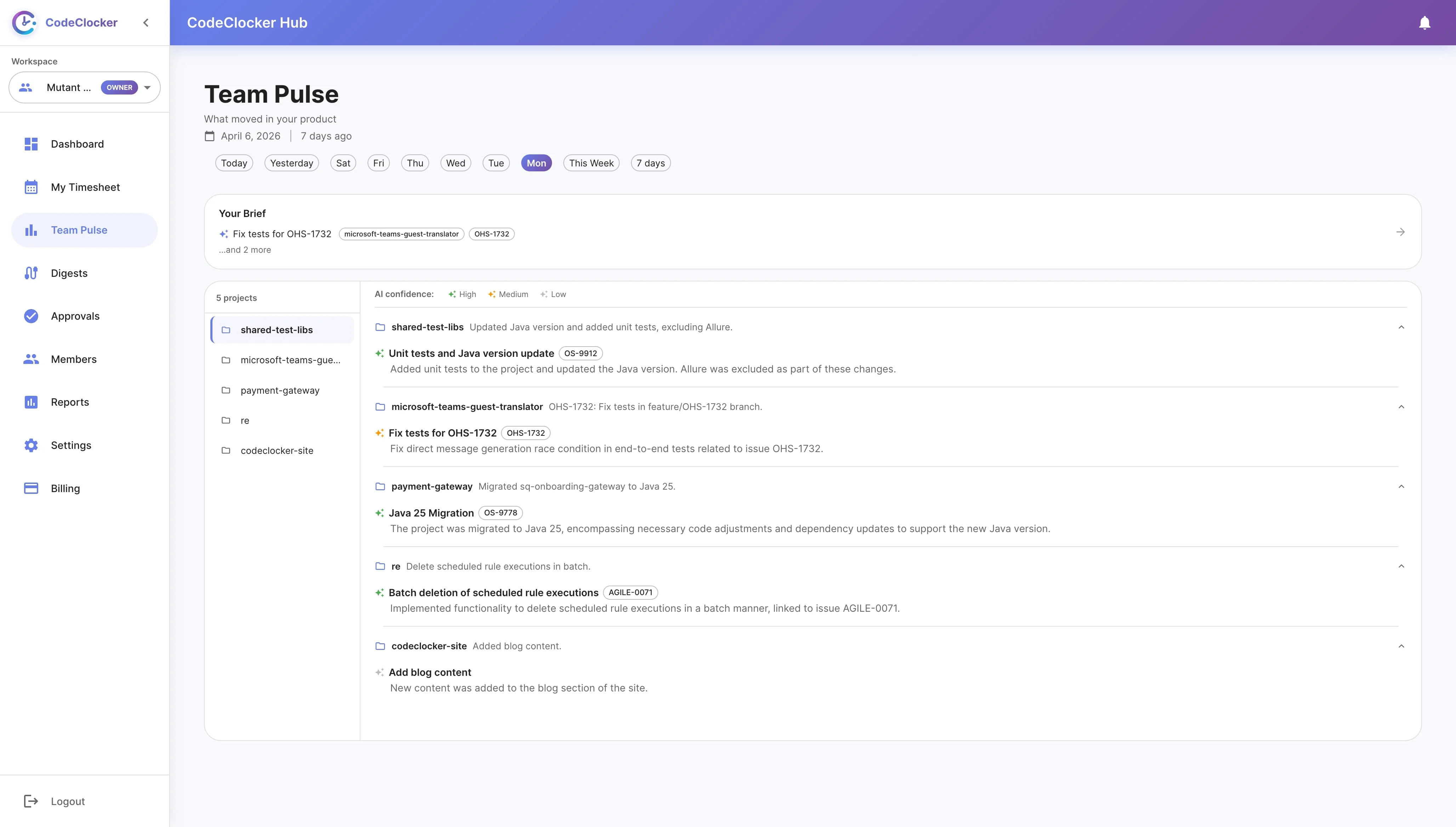
CodeClocker Dashboard for RubyMine

Why Ruby Developers Love CodeClocker

  • Rails Development: Track time spent on Ruby on Rails applications, controllers, and views.
  • Test-Driven Development: Monitor time spent writing RSpec and Minitest tests alongside your code.
  • Gem Development: Track time on gem development and open-source Ruby contributions.
  • API Development: Monitor time building Rails APIs and Grape microservices.
  • Hotwire & Turbo: Track time on modern Rails frontend development.
  • Refactoring Sessions: See how much time goes into keeping your Ruby code clean.

Features for RubyMine

Activity Dashboard

Get a comprehensive view of your Ruby coding activity directly in RubyMine. Track daily and weekly progress with visual indicators, monitor time spent per Rails app, and see your Git contributions at a glance.

  • Real-time coding time tracking
  • Per-project time breakdown
  • VCS lines added/removed stats
  • Daily and weekly trend comparisons
CodeClocker Activity Dashboard in RubyMine

Daily & Weekly Goals

Set personalized coding time goals for your Ruby projects. Whether you're working on client Rails apps or contributing to open-source, track your progress and build consistent coding habits.

  • Customizable daily and weekly targets
  • Progress tracking in status bar widget
  • Visual progress indicators
  • Flexible goal configuration
CodeClocker Goal Settings

CSV Export for Invoicing

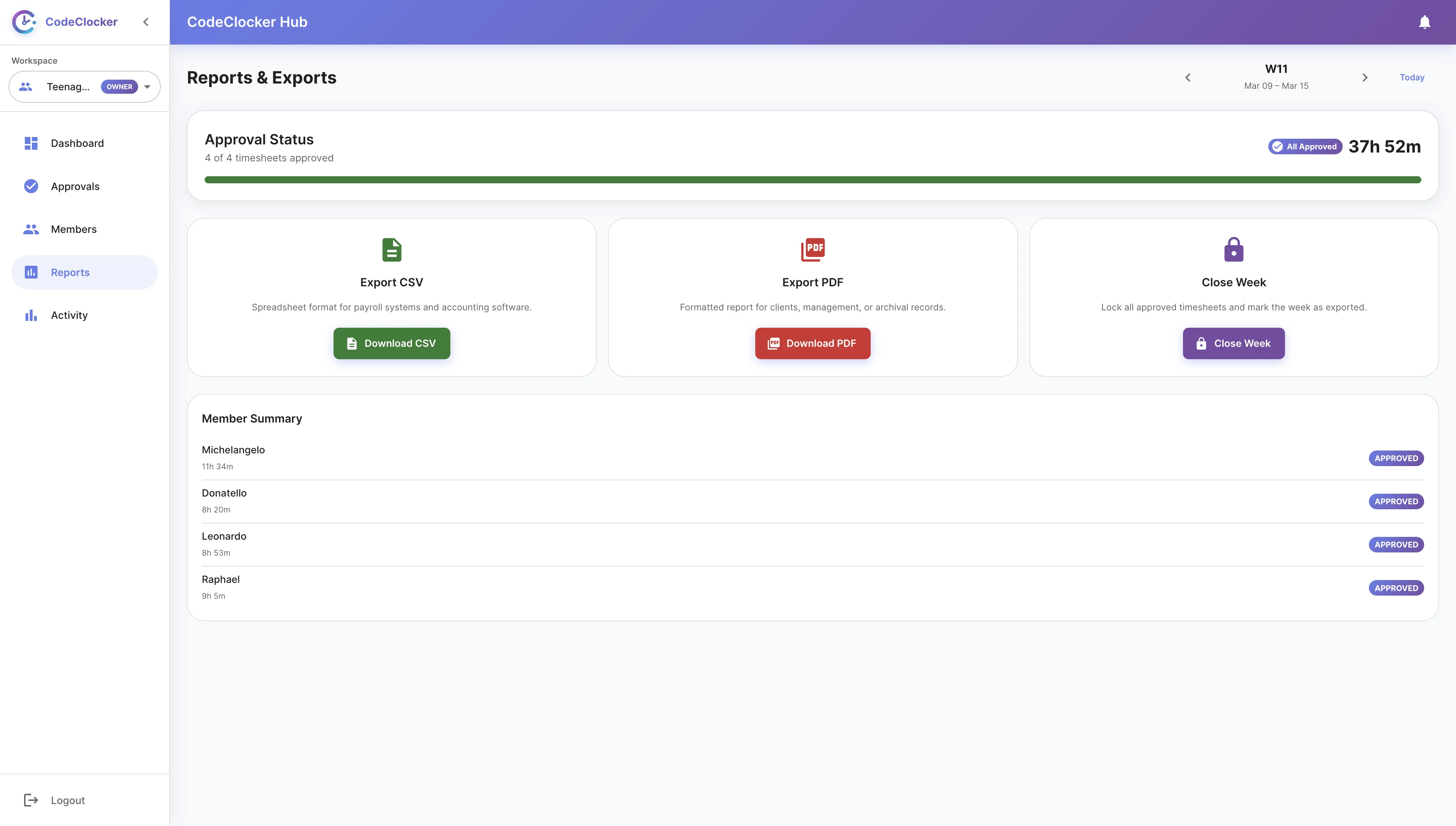
Freelance Ruby developer? Export your coding activity to CSV format for easy invoicing. Generate detailed reports with project names, branches, hours worked, and commit references.

  • Custom date range selection
  • Detailed breakdown by project and branch
  • Perfect for freelancer invoicing
  • Include commit references for proof of work
CodeClocker CSV Export

Get Started in RubyMine

01

Install the Plugin

Open RubyMine, go to Settings → Plugins → Marketplace, search for "CodeClocker" and click Install.

02

Start Coding

The plugin automatically tracks your Ruby coding time as you work on your Rails or Sinatra projects.

03

View Your Stats

Check your daily and weekly progress directly in RubyMine through the status bar widget.

04

Connect to Hub

Optionally sync with CodeClocker Hub for web-based charts and historical analytics.

Ready to Track Your Ruby Development Time?

Install CodeClocker in RubyMine today and start understanding your productivity

Get Plugin for Free