Go Beyond Personal Dashboards — Auto-Generate Team Timesheets
WakaTime tracks your coding time. CodeClocker turns it into weekly team timesheets with approval workflows and billing exports. No manual time entry, no per-seat tracking fees.
See how CodeClocker compares as a WakaTime alternative for teams
| Feature | CodeClocker | WakaTime |
|---|---|---|
| Automatic IDE time tracking | ✓ | ✓ |
| Auto-generated weekly timesheets | ✓ | × |
| Team submit & approve workflow | ✓ | × |
| CSV & PDF export for billing | ✓ | Limited |
| Evidence-backed worklogs (commits & branches) | ✓ | × |
| Automated submission reminders | ✓ | × |
| Client-ready invoice packs | ✓ | × |
| Personal coding dashboards | ✓ | ✓ |
| Free individual tracking (no account needed) | ✓ | ✓ |
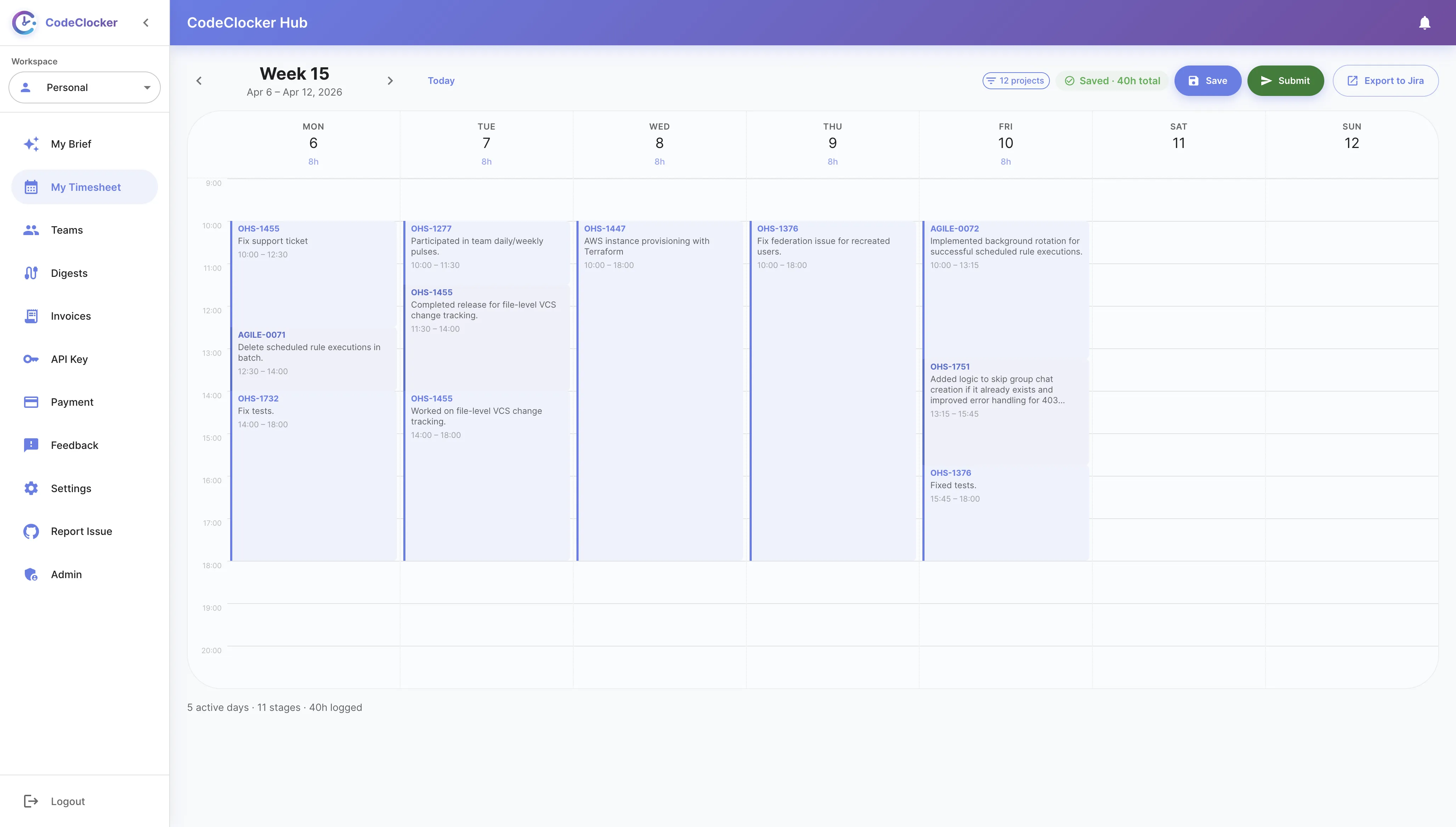
Your team's coding time is automatically captured and organized into weekly timesheets. Developers review and submit — managers approve with one click.
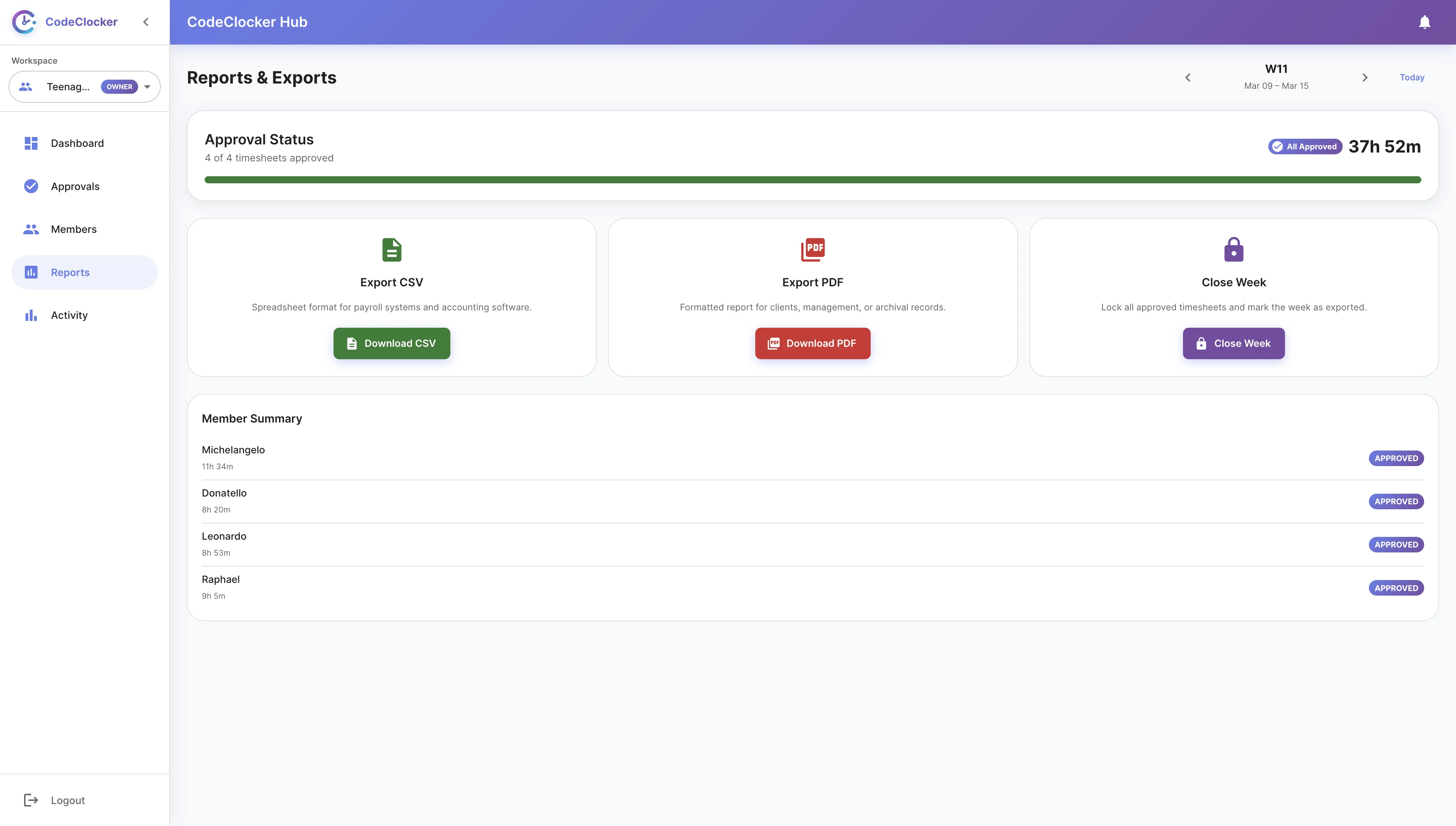
Export approved team timesheets to CSV or generate PDF invoice packs with proof of work. Compatible with any accounting tool — no more manual data entry.
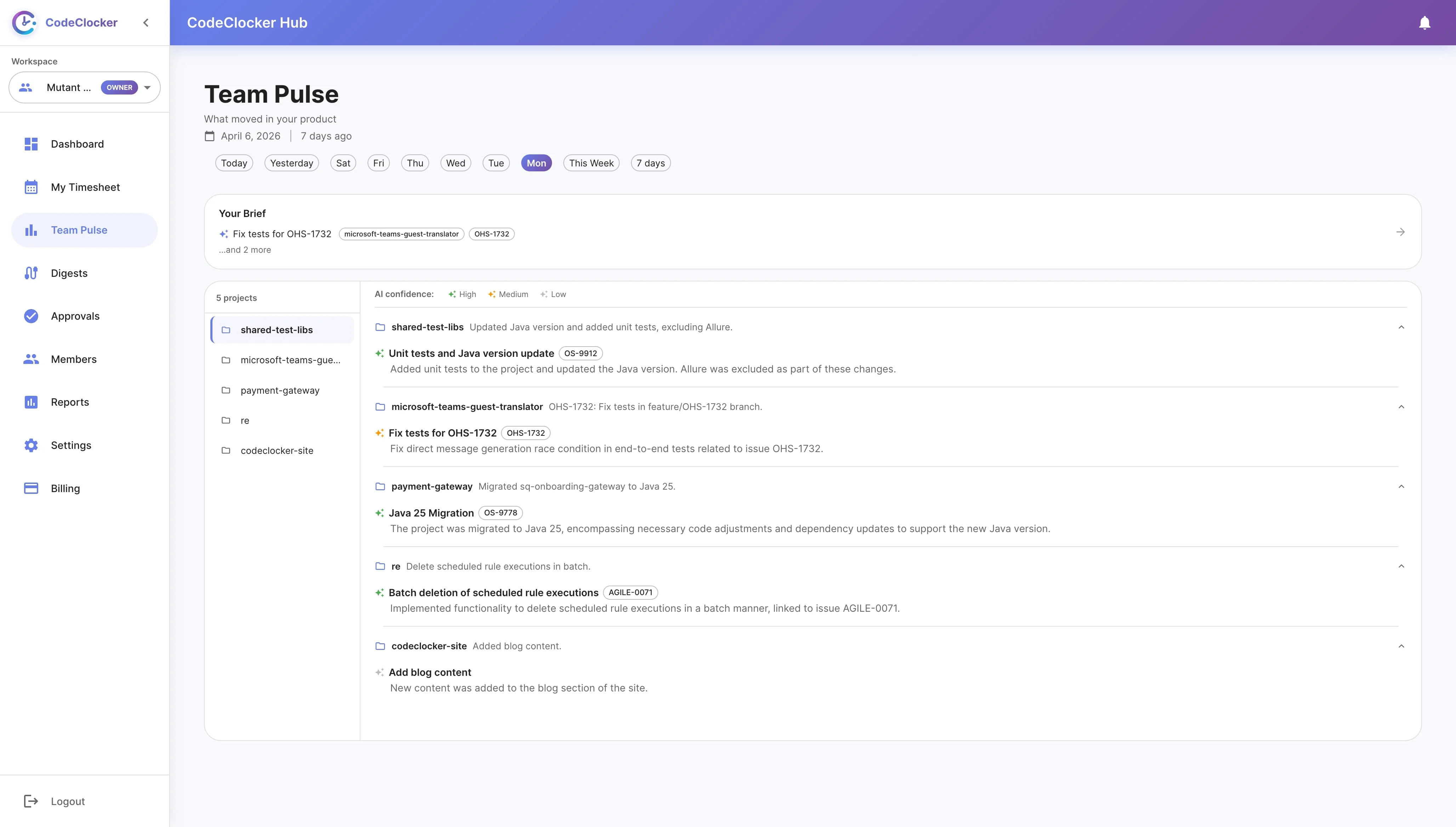
Managers see real-time coding activity across the team. Track who's working on what, monitor hours by project, and spot trends — all without interrupting developers.
Open your JetBrains IDE, go to Settings → Plugins → Marketplace, search for "CodeClocker" and click Install.
CodeClocker silently tracks your coding time per project and branch. No manual timers, no interruptions.
Each week, review your auto-generated timesheet on CodeClocker Hub and submit for manager approval.
Managers approve timesheets with one click and export to CSV or PDF for client billing.
Install the free plugin, create a team, and generate your first timesheet in minutes